CAs
 CS
 Lawyers
Tax professionals
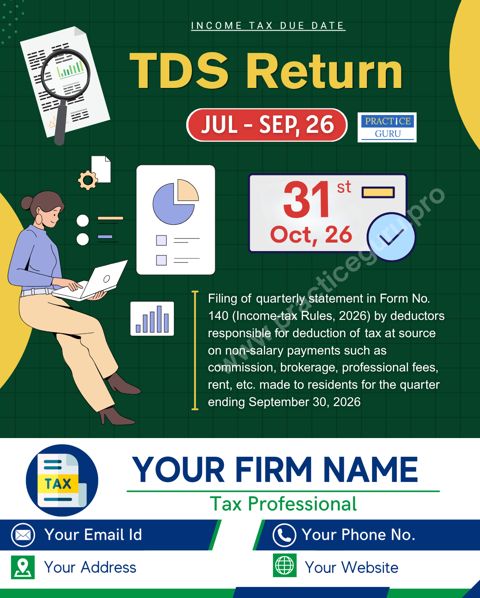
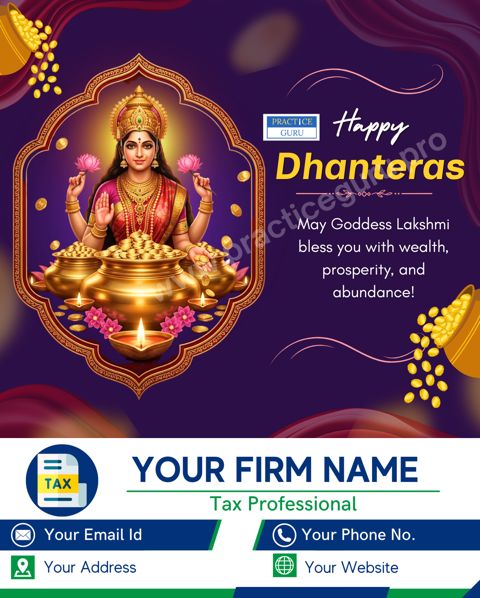
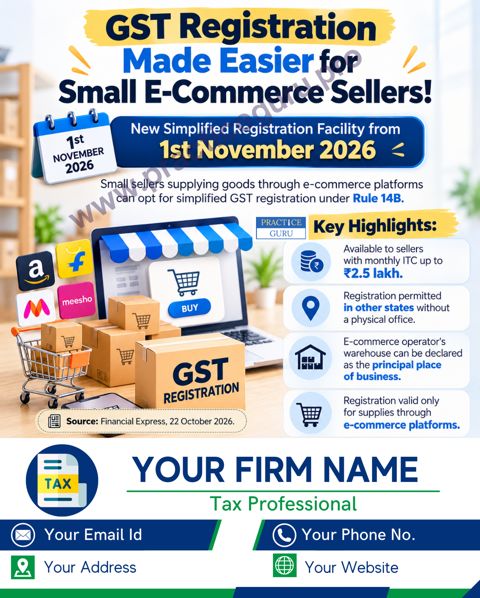
OneClick Scheduler auto-posts your OneClick Branding posters to Instagram, Facebook, LinkedIn and Google Business Profile, at the time you choose. Or post and schedule your own, from one screen.
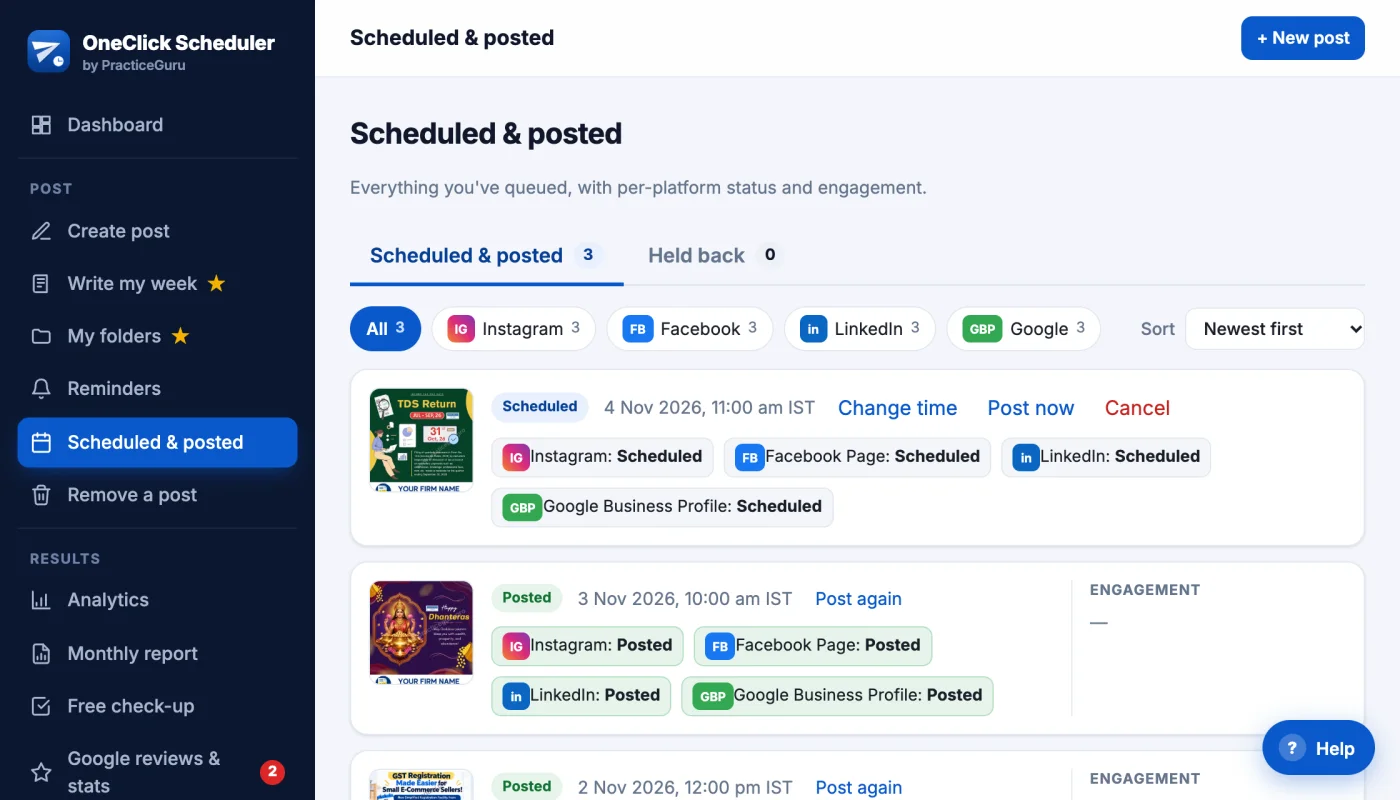
The real app, shown with sample posts
Clients notice when a firm's page goes silent — and it always happens at the worst time.
Every hour goes to audits and returns. Posting is the first thing to stop.
A week away from the office — and a week of silence on your page.
Meetings and deadlines all day. The poster stays in the phone.
A few days off sick, and nobody else posts.
The due-date reminder you meant to share — remembered a day too late.
The one person who handles posting is away this week.
Switch on auto-post — or schedule a month of posts in one sitting — and your page keeps talking while you work.
Register free →New OneClick Branding posters go out on your pages by themselves — with your firm's name on every one.
For activated OneClick Branding clients. See the Auto-post plan →
Stop downloading the same poster four times. Your OneClick Branding posters go out on their own; your own posts take one upload and one caption.
Opt in, and new OneClick Branding posters are branded with your contact details and posted for you automatically. See how →
Pick a date and time (IST) and your post goes out automatically — even when you're busy with filing season.
Publish the same poster and caption to Instagram, your Facebook Page, LinkedIn and Google Business Profile at once.
For platforms that don't allow auto-posting, we remind you at the scheduled time so sharing takes one tap.
See what's scheduled, what's live and what needs attention — with per-platform status, likes and comments (link-click report on the Auto-post plan).
Accounts connect through each platform's official login. Access tokens are encrypted and you can disconnect anytime.
One page a month: posts made, likes, followers, Google calls and views — and the hours you saved. Download it as a PDF.
Your review link with a QR code and a one-tap WhatsApp message for clients, plus review health: rating trend and how fast you reply.
Regular posts keep your Google profile active, and festival holidays can mark your office “Closed” — with preview and undo.
Before you post, we flag words your code may not allow — “best”, “call us”, fees, phone numbers — for ICAI, ICSI, ICMAI and Bar Council members.
Share any poster or video as an Instagram Story too, and post your best-performing posts again in one click.
See how many people open the links in your posts on Facebook, LinkedIn, Google, WhatsApp, X and Threads — and one bio link for Instagram with its own click count. The link-click report in Analytics is part of the Auto-post plan.
Use the same login you already have for OneClick Branding / PracticeGuru.
Log in and connect Instagram, Facebook, LinkedIn or Google Business Profile with their official sign-in.
Choose which OneClick Branding posters go out, on which platforms and at what time.
Upload a poster, write one caption, then post now or pick a date. We publish on time and show you the result on your dashboard.
Real reviews of PracticeGuru — the team behind OneClick Branding and OneClick Scheduler.
PracticeGuru Posters are all readymade with my branding on it. It save a lot of time and also its affordable.
We are highly impressed with Practice Guru’s professional services. Their timely and creative posters on due dates and festivals greatly help in enhancing our firm’s brand visibility. A truly valuable platform offering excellent support for professionals.
Great marketing tool for CA's who don't want to waste time in posters or updates
PracticeGuru provides excellent posters on tax updates, weekly due dates and case law summaries. The information is always accurate, well-designed and very useful for day-to-day compliance and advisory work. Highly recommended for tax and finance professionals.
One Click Branding by Practice Guru app makes Tax Professionals' work very easy. And also support from the team is marvelous and awesome.
Professional, reliable, and innovative. Practice Guru consistently delivers impressive tax and GST posters that help engage clients and enhance our professional image.
4.9★ average from 208 Google reviews. Quoted word for word from PracticeGuru's Google Business Profile.
Every plan posts to all your platforms at once. Pay yearly by UPI — no card needed.
Auto-post uses your OneClick Branding poster subscription. Questions? [email protected] or WhatsApp us
Log in, connect your own accounts and get your report in about a minute — free on every plan.
Instagram and Facebook: for now the check-up uses the posts you send through OneClick Scheduler; reading your older posts there is coming soon. Your Google profile and reviews are read straight from Google.
OneClick Branding is PracticeGuru's poster app for CAs and tax professionals. Fresh designs arrive every day, already carrying your firm's name and contact details — share them yourself, or let OneClick Scheduler post them for you.
Already a OneClick Branding client? Log in to OneClick Scheduler with the same username and password — your posters can start posting themselves.
Connect your accounts and post right away to all of them at once — free, forever. Automatic posting of new OneClick Branding posters is ₹2,400 + GST a year (scheduling included), and scheduling on its own is ₹1,200 + GST a year. GST is charged at 18%.
No. Log in with the username or email and password you already use for OneClick Branding / PracticeGuru.
Instagram Business or Creator accounts. Facebook posting works with Facebook Pages you manage.
Seven kinds of OneClick Branding posters: due-date reminders, festival greetings, tax updates, case laws, utility posters, and the weekly and monthly series. You switch each type on or off, choose platforms, posting time and language (case laws are posted in English), and can see what's coming up next before it goes out.
Activated OneClick Branding clients on the Auto-post plan (₹2,400 + GST a year). Each poster type follows your OneClick Branding subscription for that type, and posters always carry your own firm's contact bar.
We only publish new OneClick Branding posters through auto-post, if you switch it on, and what you schedule yourself. You can turn auto-post off or disconnect any account at any time.
We don't post to these for you, so we show a reminder at the scheduled time and you share with one tap.
Yes — as you write, we flag words and phrases your professional code may not allow (claims like “best” or “expert”, “call us”, fees, phone numbers, client mentions). It is a warning, not a block, and a simple word check, not legal advice.
Disconnect your accounts inside the app, or follow the steps on our data deletion page. See our privacy policy for details.
Register free — or log in with your OneClick Branding / PracticeGuru account — then switch on auto-post or schedule your first post.